
1
Choose apps to block
Select the apps you want to spend less time in and give CheerUp Screen Time permission.
CheerUp blocks distracting apps and gives you a simple way to earn access back: move your body, finish a challenge, and choose when to unlock.
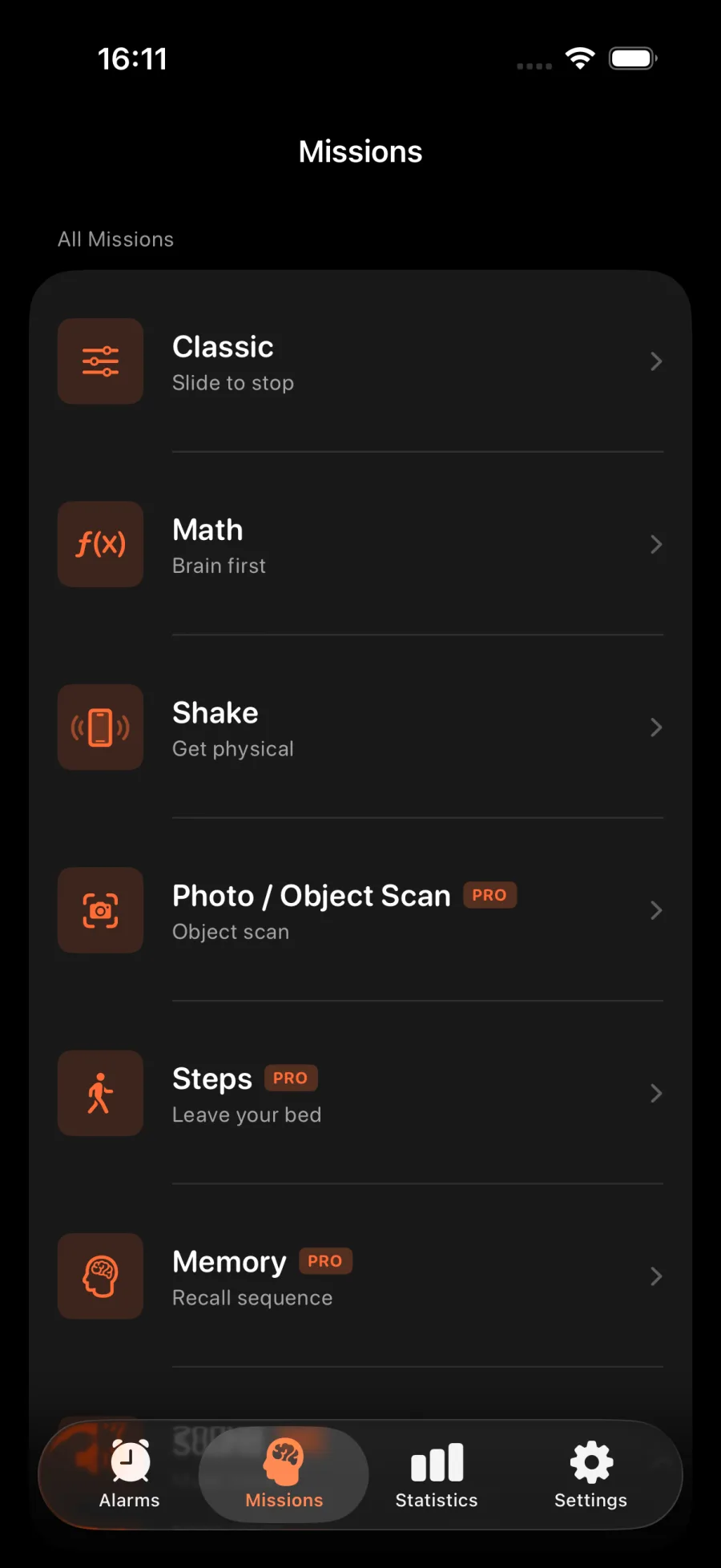
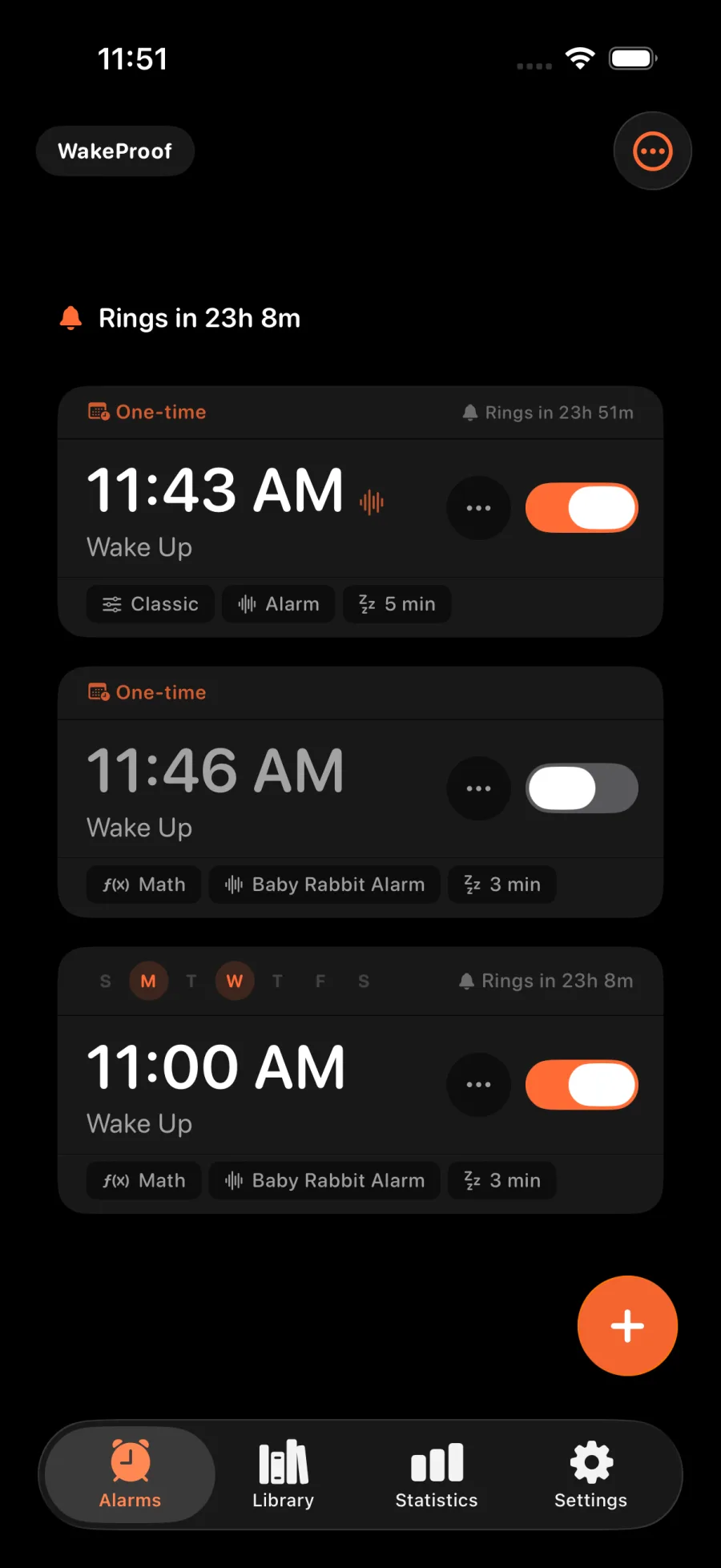
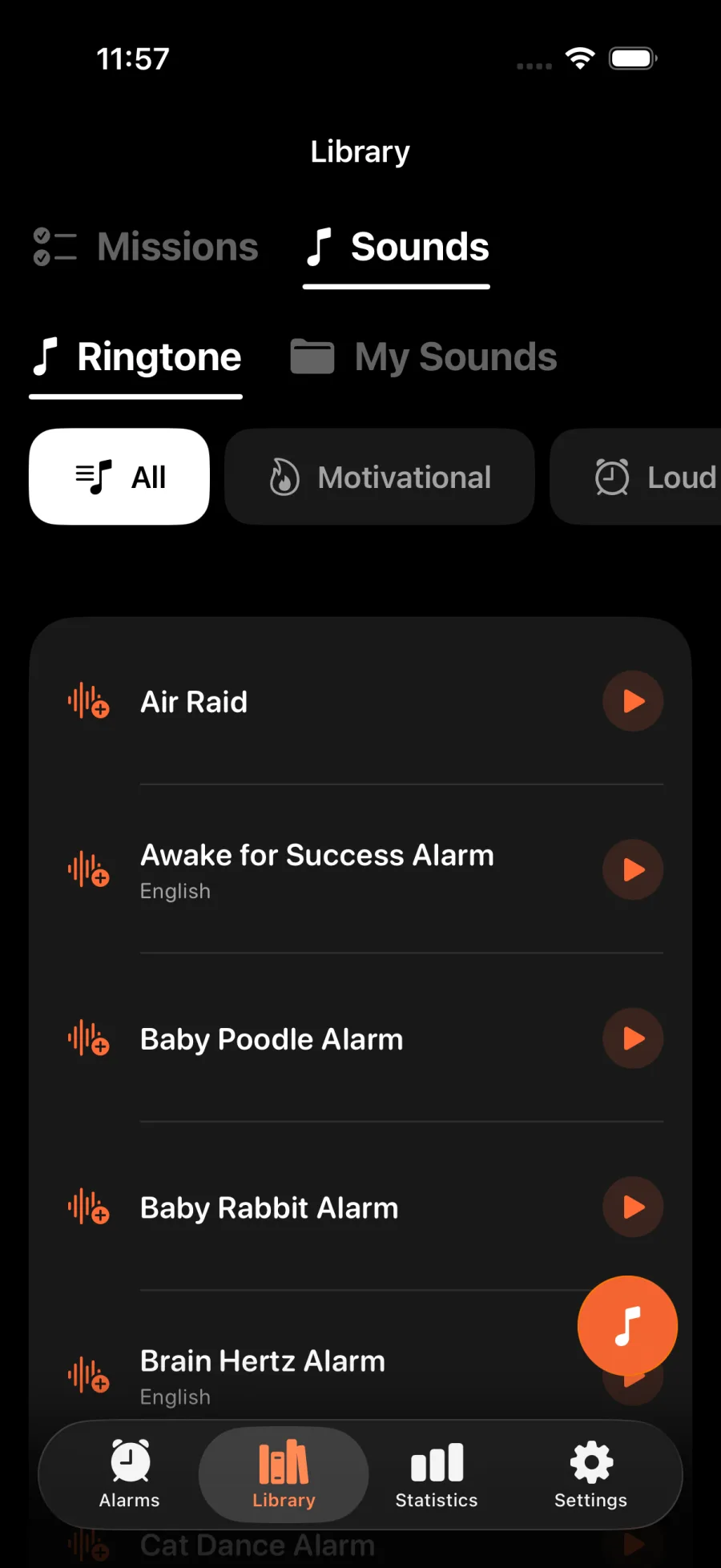
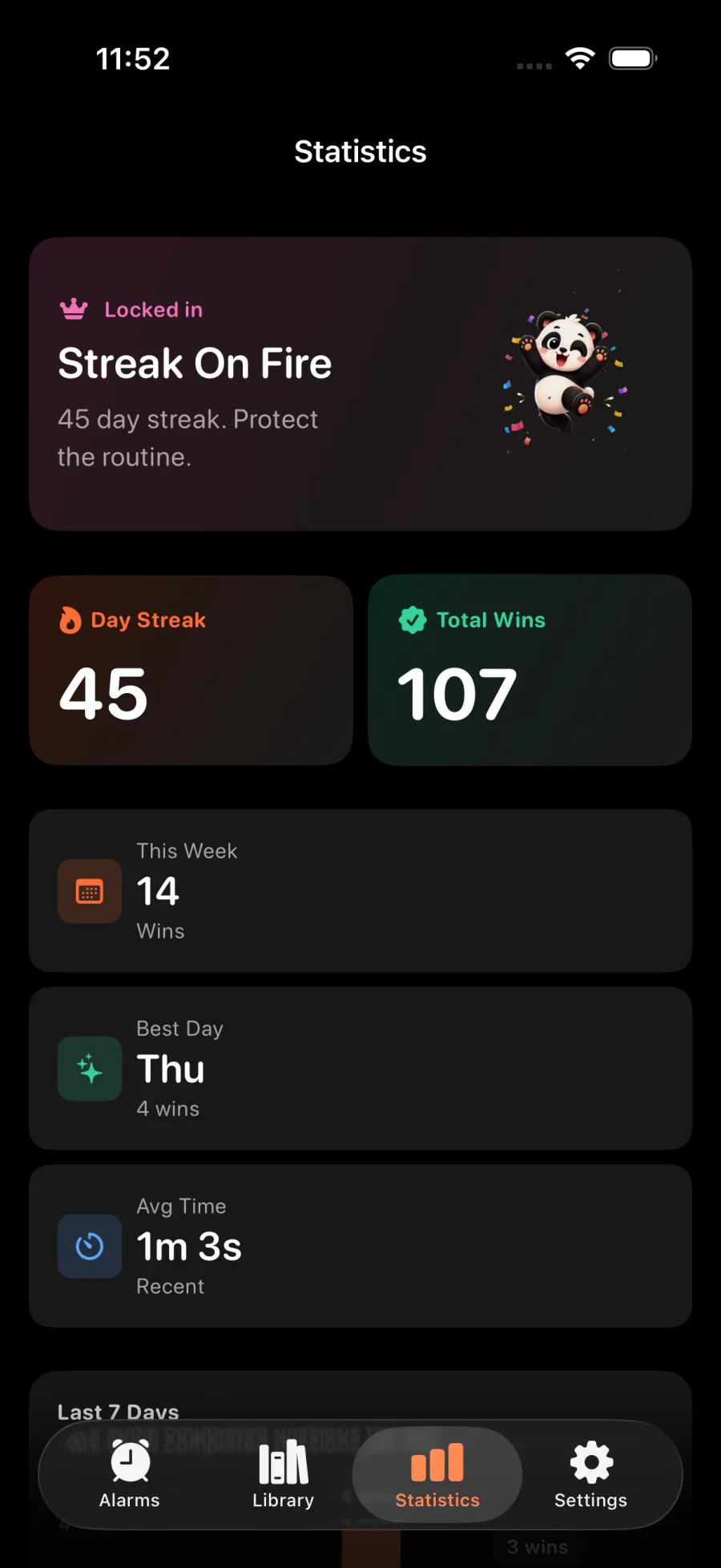
Choose the apps that distract you, set a workout challenge, and unlock them for a time window you control.
Use Apple Screen Time to shield the apps you choose when you want to focus.
Complete push-ups, squats, lunges, high knees, jumping jacks, or a plank to earn access time.
Set an exercise and target that feel right for the moment, then earn a 15, 30, or 60 minute unlock.
App selection and workout history stay on your device. Camera pose detection runs on device too.
See your completed sessions and keep track of the days you chose movement over scrolling.
Start with app blocking, push-up counting, and a plank timer. CheerUp Pro adds camera rep counting and more exercises.
Put a little movement between you and the apps that take your attention.
Select the apps you want to spend less time in and give CheerUp Screen Time permission.
When an app is blocked, finish your chosen exercise challenge in CheerUp.
Your selected apps unlock for the time you chose, then CheerUp blocks them again.
Set a goal that fits your day and earn access one challenge at a time.
exercise options
unlock windows
rep counting modes
minutes per unlock
BLOCK
Choose a workout challenge before you open the apps that usually steal your attention.
MOVE
Earn a short unlock with a quick set of push-ups, squats, or a plank.
EARN ACCESS
Use session history and streaks to notice the times you chose movement over scrolling.
Quick answers before you download.
Choose the apps you want to block and make a little movement your way back in.
Free to download · iPhone app